
What Is Backtesting?
Free Backtest Sites: FXReplay and FastBull
Backtesting means testing a strategy on past price data before using real money. This lesson covers 2 free backtest sites with step-by-step instructions, their strengths and the limits of the free versions.
Quick summary before you read
- Backtesting means testing a strategy on past price data to see whether your trading plan actually works before using real money
- FXReplay: replay trading with real order types (Buy/Sell, pending, SL/TP), with built-in win rate stats and a journal · 2 free sessions
- FastBull: free Bar Replay on a TradingView chart · you need to share once to unlock it
- Use the same entry and exit rules every time, test different market conditions, then continue on a demo account before trading live
Previous lessons: EP1 Trends · EP2 Sideways markets · EP3 Trend reversals · EP4 Speed line · EP5 Demand & supply zones · EP6 FVG · EP7 Divergence · EP8 FIBO · EP9 Money management
What is backtesting?
Backtesting is the process of testing a trading strategy on past price data to evaluate how well it performs before using it in the live market.
Before putting any strategy on real money, almost every professional trader backtests it to measure the accuracy and performance of their own trading system.
The good news is that some websites let you backtest for free. This lesson introduces 2 easy-to-use sites, FXReplay and FastBull, with step-by-step instructions.
Free backtesting with FXReplay.com
FXReplay is an easy online backtesting tool that looks like a real trading platform. Its highlight is replay trading with real order types such as Buy/Sell, pending orders and SL/TP, plus a built-in trade journal.
It is free to use with some limits, which is enough for practising and testing strategies.
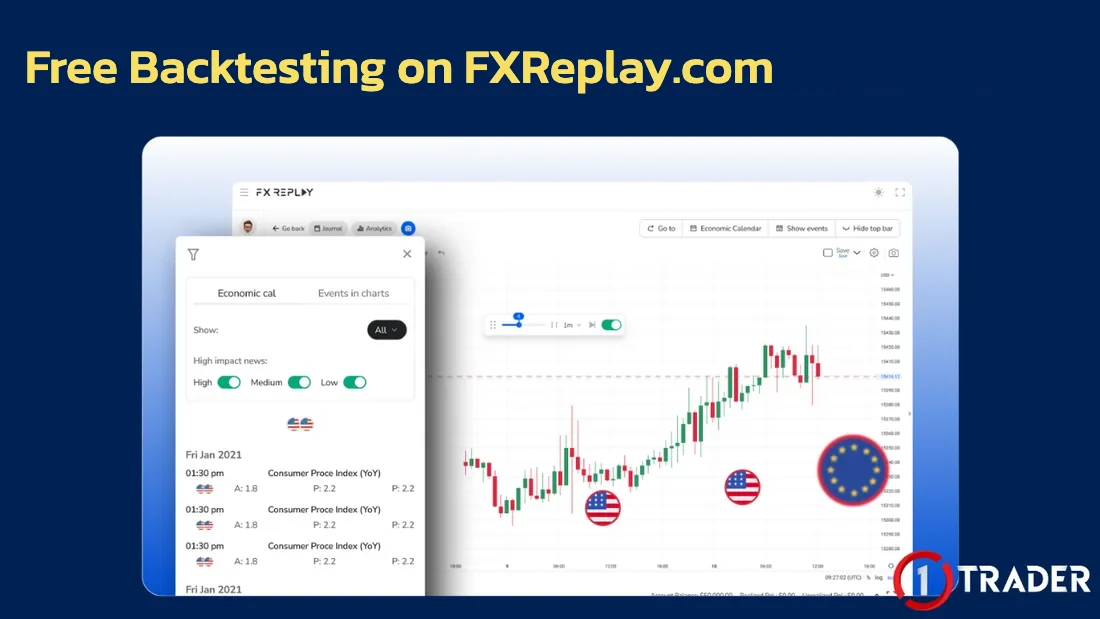
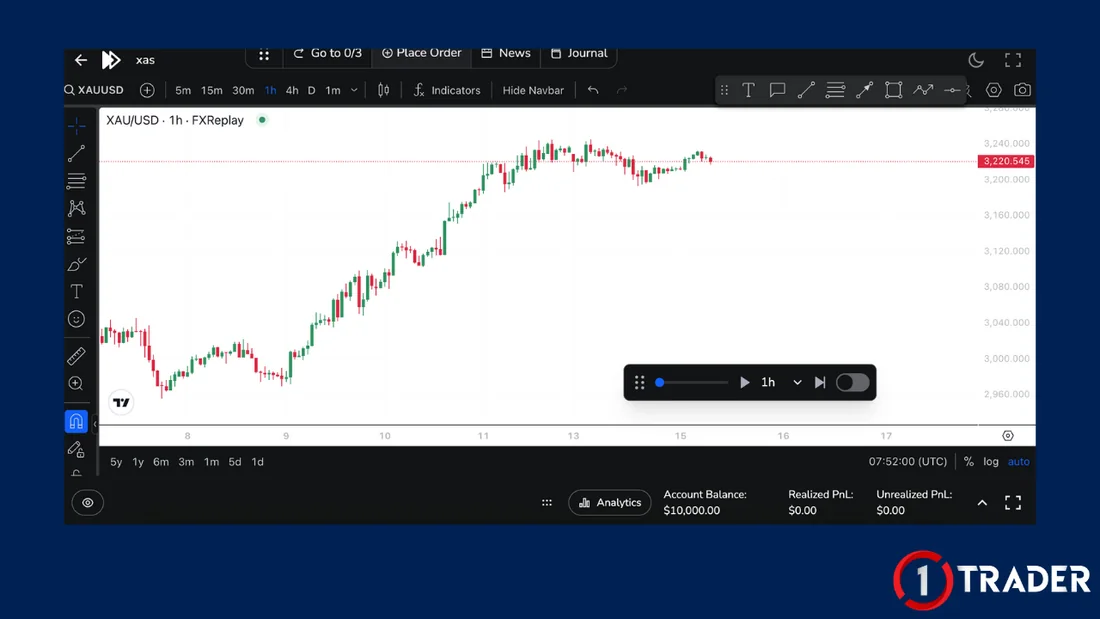
How to backtest with FXReplay
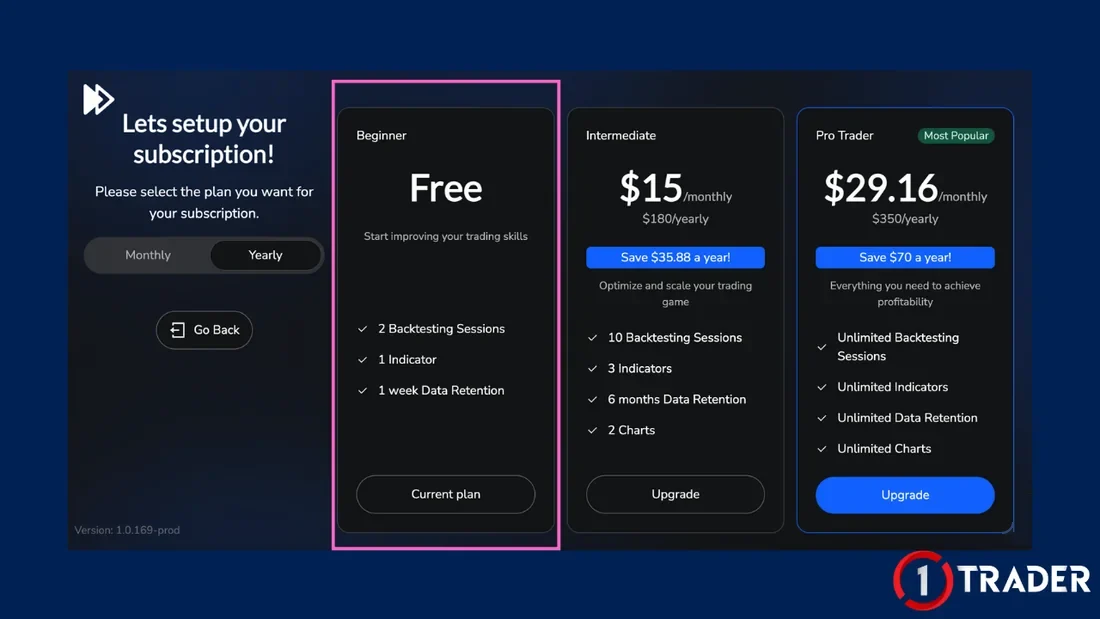
Limits of the free FXReplay plan
The Free plan is enough to practise one strategy at a time. If you need more sessions, indicators or historical data, there are paid plans (prices and features may change, so check the site’s Pricing page).
Tip: when you finish testing a strategy, save the stats first, then delete the session to create a new one.
Free backtesting with FastBull.com
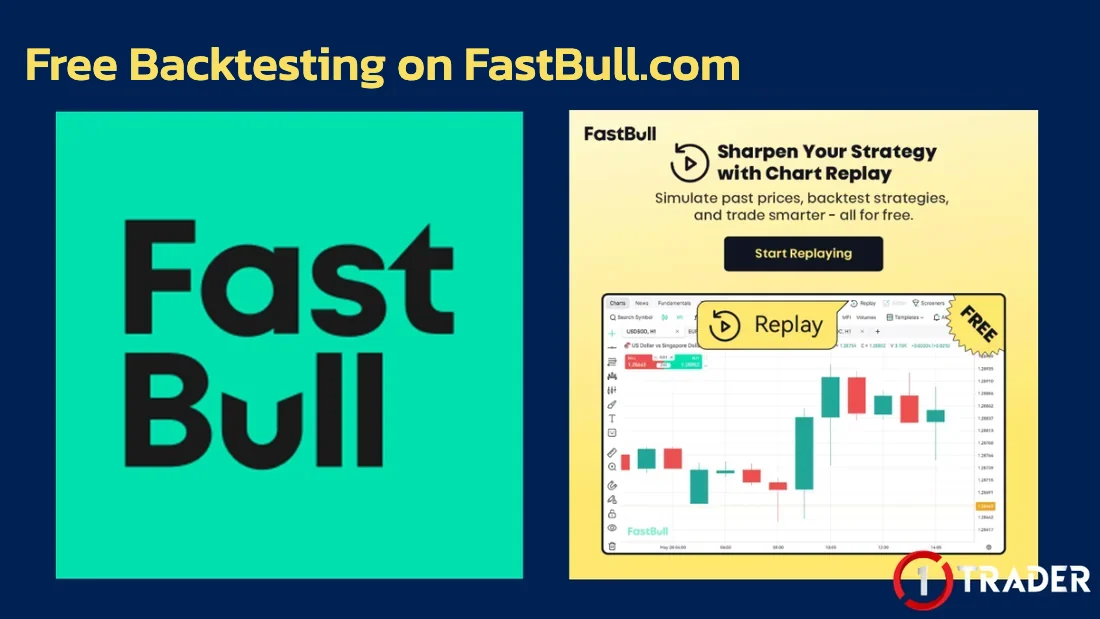
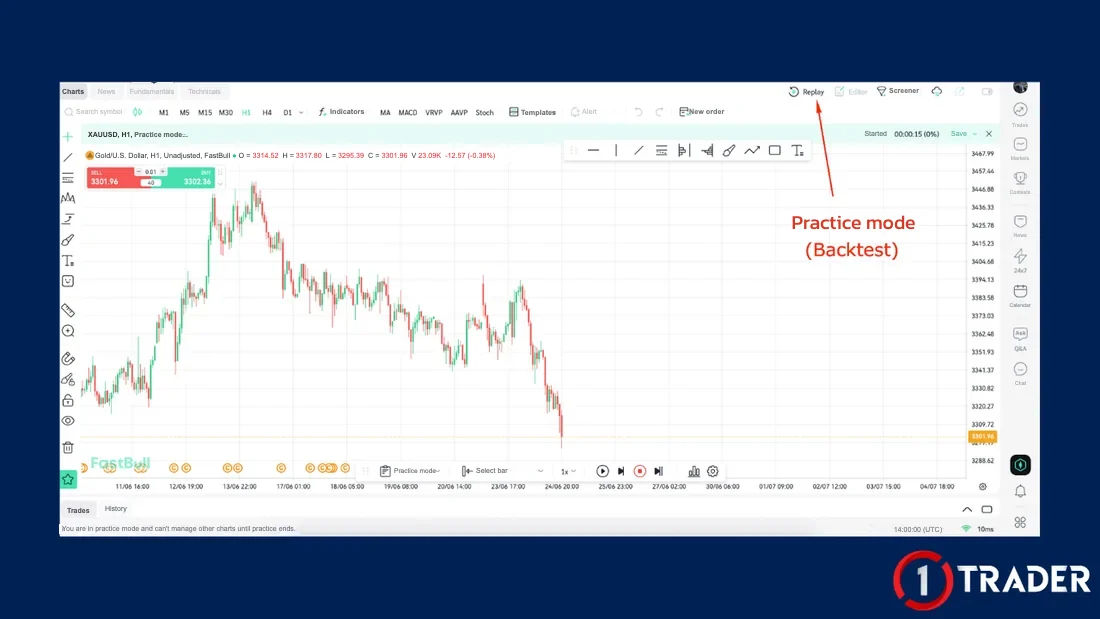
FastBull is a Forex analysis and news site, and many people don’t know it has a simple backtesting tool through its built-in TradingView chart, where you can use “Bar Replay” for free.
You just need to unlock the Replay function first, following the steps below.
How to backtest with FastBull
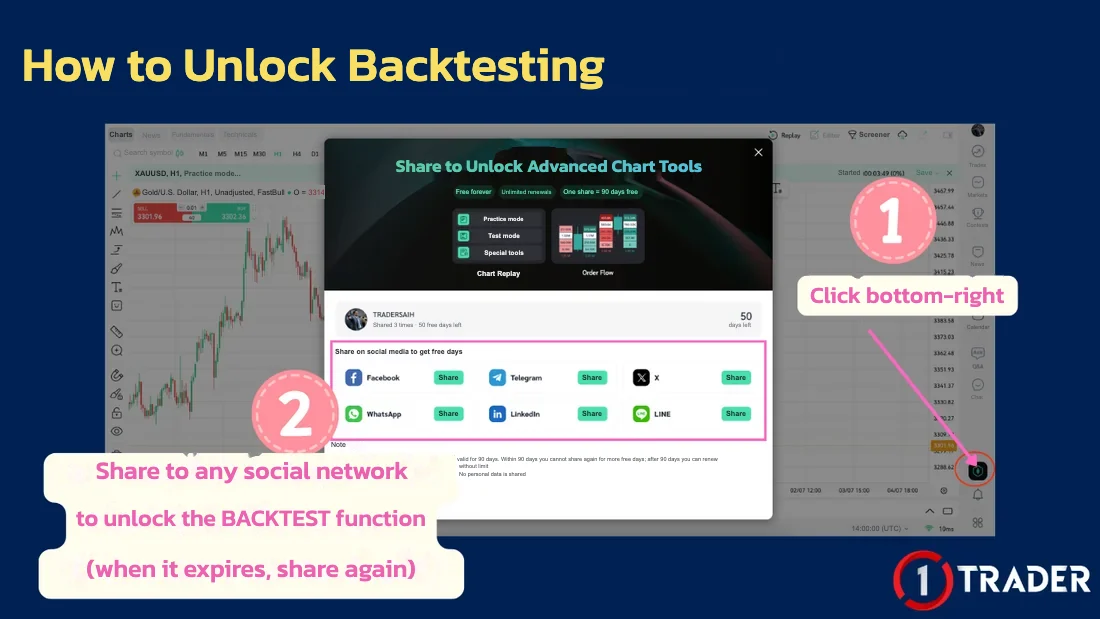
How to unlock backtesting on FastBull
Access expires after a while, but you can share again once it does. Unlike FXReplay, FastBull doesn’t limit the number of sessions or trades.
Tips for useful backtests
Good backtest results don’t mean you’ll get the same results in the future. The next step is to keep testing on a demo account in real time before trading live with small lots.
Comparing FXReplay and FastBull
| Topic | FXReplay | FastBull |
|---|---|---|
| Price | Free (paid plans available) | Free |
| How to start | Sign up and choose the Free plan | Sign up and share to unlock Replay |
| Trading tools | Buy/Sell, pending orders, SL/TP | Bar Replay + Buy/Sell buttons |
| Free plan limits | 2 sessions · 50 trades/session · 1 month · 1 indicator | Access expires, share again |
| Best for | Detailed stats: win rate, profit/loss | Quick chart-reading practice on past data |
If you want stats and a journal all in one place, choose FXReplay. If you want unlimited chart replay practice, choose FastBull, or use both. The key to backtesting is testing the same rules on enough trades, then using the stats to plan your risk before trading live.
FAQ about backtesting
What is backtesting?
Backtesting is the process of testing a trading strategy on past price data to see whether it actually works before using it with real money in the market.
Why backtest before trading live?
It shows how accurate your trading plan is and what returns it produces. It can’t guarantee the future 100%, but it significantly reduces the risk of losing money on an untested strategy.
Where can you backtest for free?
For example FXReplay (fxreplay.com), which lets you replay-trade with real order types and built-in stats, and FastBull (fastbull.com), which offers a free Replay function on its TradingView chart.
What are the limits of the free FXReplay plan?
The free plan lets you create 2 sessions, each recording about 50 trades, test up to 1 month of data per session, and use 1 indicator. When both sessions are used, delete an old one and create a new one.
How do you backtest for free on FastBull?
Sign up for free, go to the Market menu and choose Chart, then pick a pair. Unlock the Replay function by clicking the bottom-right button and sharing to social media, choose a starting point on the chart, use Play/Pause, and test your strategy with the Buy/Sell buttons.
How many trades should you backtest for reliable results?
The more the better: at least dozens to a hundred trades across different market conditions, both trending and sideways, using the same entry and exit rules every time so the stats reflect the real strategy.
What should you do after a good backtest?
Keep testing the strategy on a demo account in real time, then start trading live with a lot size calculated from the amount you are willing to lose, following money management rules.
Read EP9 again Next lesson · EP11 What Is Stochastic (STO)? 3 Ways to Find Trade Entries 9/3/3 settings · overbought/oversold · crossovers · divergence
Read EP11 →
See all lessons in the free Forex and gold trading course
Risk warning: Trading Forex, gold and CFDs carries a high level of risk and you may lose money. 1TRADER provides information and education to support your own decisions only. Backtest results are past data and do not guarantee future results · free-use terms of third-party websites may change. Read the full risk disclosure.