
The Best SMC Indicator on TradingView: LuxAlgo Smart Money
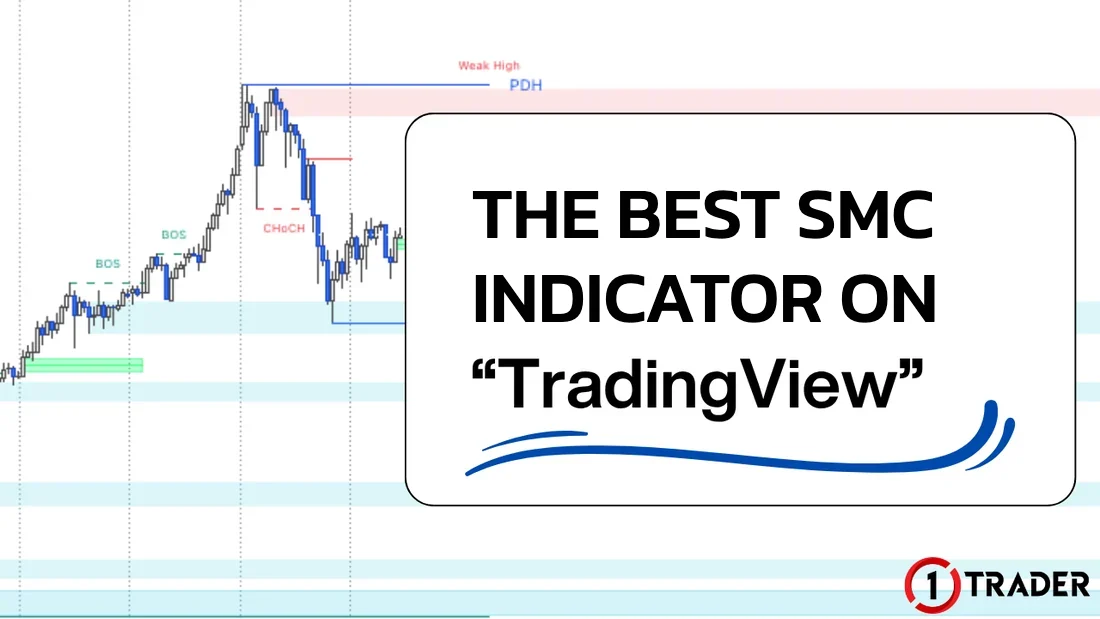
A free indicator that maps market structure automatically: BOS · CHoCH · order blocks FVG and EQH/EQL, plus how to add it and set it up for gold charts
Quick summary before you read
- SMC (Smart Money Concept) reads price structure and liquidity instead of moving averages or oscillators
- Smart Money Concepts [LuxAlgo] is free on TradingView and shows BOS/CHoCH, order blocks, FVG and EQH/EQL automatically
- Add it in 3 steps: click Indicators → search smart money → choose the LuxAlgo one, then turn off what you don’t use to keep the chart clean
- Structure labels appear after price has already moved; use them to read the chart, not as automatic trade signals
What is Smart Money Concept (SMC)?
Smart Money Concept, or SMC, is a way of analysing charts that reads market structure from the point of view of large players (smart money) such as banks and financial institutions, who have enough capital to move price. It works for Forex, gold and crypto.
- Price structure
- Read highs and lows to see whether the trend continues (BOS) or starts to change (CHoCH)
- Price zones
- Find order blocks and FVGs that price often comes back to test
- Liquidity
- Find where stop losses cluster, such as equal highs / equal lows
- Unlike typical indicators
- It isn’t calculated from moving averages or oscillators; it reads candles and price structure directly
- Keep in mind
- SMC is a way of interpreting the chart; you can’t see real institutional orders, so treat it in terms of probabilities
- Basics to know first
- Trends (EP1) · Order blocks (EP5) · FVG (EP6)
What is LuxAlgo Smart Money Concepts?
Smart Money Concepts (SMC) [LuxAlgo] is an SMC indicator on TradingView that combines the main SMC elements in one script and draws them automatically, so beginners can see price structure without drawing lines themselves. It is one of the most used and most liked SMC scripts on TradingView.
- Developer
- LuxAlgo, an indicator team with many popular scripts on TradingView
- Price
- Free, published as an open-source script
- Published
- Oct 2022 and still updated, most recently Sep 2025
- Works with
- Gold, Forex, crypto and stocks on every timeframe
- Main features
- BOS/CHoCH for internal and swing structure · order blocks · FVG · EQH/EQL
- Extra features
- Premium/discount zones · previous daily, weekly and monthly highs/lows (e.g. PDH) · HH, HL, LH and LL labels
“The best” in the title means best for beginners who want a free tool, because it has everything in one script; it doesn’t mean the most accurate. Every SMC indicator maps structure by its own rules, so results can differ. If you prefer zone tools on MT4, see the free indicator in EP16.
What does LuxAlgo SMC show?
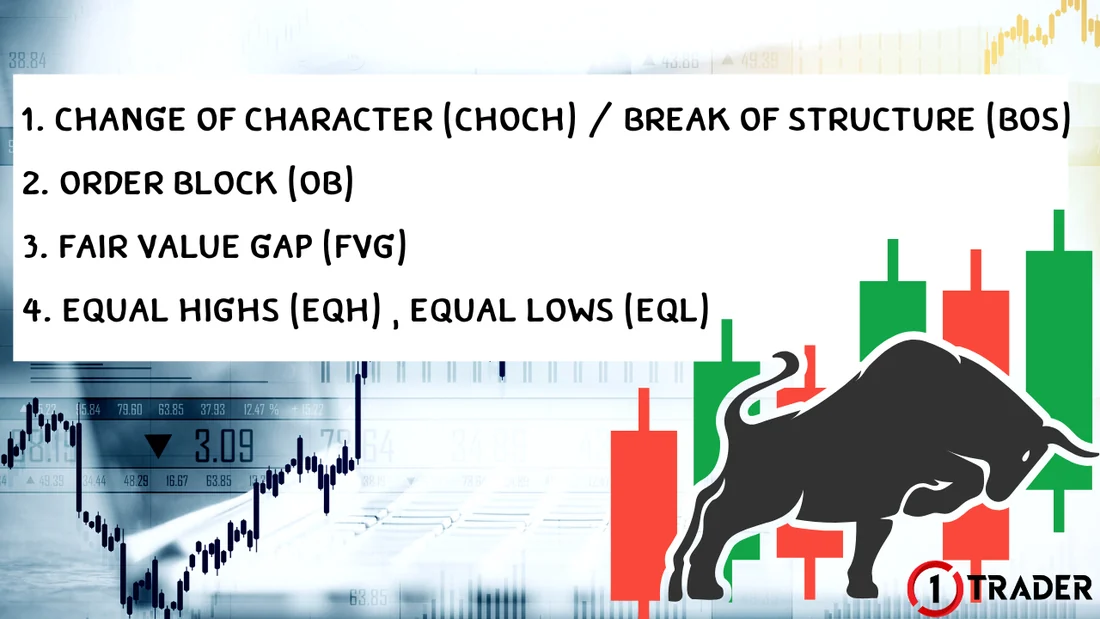
1. Change of Character (CHoCH) / Break of Structure (BoS)
2. Order Block (OB)
The zone of the last candle before a strong move, often where large orders sit. When price comes back to test it, the zone often acts as support or resistance; if price closes through it, that order block is no longer valid. Learn to mark zones yourself in EP5 Demand, supply and order blocks.
3. Fair Value Gap (FVG)
A price gap that forms when the market moves too fast (an inefficiency): the gap between the wicks of candle 1 and candle 3. Price often comes back to fill it before continuing. Review it in EP6 FVG.
4. Equal Highs (EQH) / Equal Lows (EQL)
- EQH
- Price makes equal or nearly equal highs 2 or more times
- EQL
- Price makes equal or nearly equal lows 2 or more times
- Above EQH
- Stop losses of sellers and buy stop orders of breakout traders
- Below EQL
- Stop losses of buyers and sell stop orders of breakout traders
That makes EQH and EQL areas of high liquidity. Large players need lots of opposing orders to open positions, so price often runs to “sweep” those stop losses first, then may reverse or continue. Don’t put your SL exactly at equal highs or lows.
How to add the indicator in TradingView
![How to add the LuxAlgo Smart Money Concepts indicator in TradingView: click Indicators at the top, search smart money and choose Smart Money Concepts (SMC) [LuxAlgo]](https://1trader.com/wp-content/uploads/2026/10/add-luxalgo-smart-money-concepts-tradingview-en.webp "Adding LuxAlgo Smart Money Concepts in TradingView")
Key settings for a clean chart
The default settings show almost everything at once, which makes the chart hard to read. Turn on only what you actually use and add features one at a time.
- Mode
- Historical shows all past structure · Present shows only the latest, for a cleaner chart
- Internal Structure
- Minor structure (dashed lines) for timing entries on lower timeframes
- Swing Structure
- Main structure (solid lines) for trend direction
- Order Blocks
- Set how many internal and swing OBs to show; the default is 5
- Equal High/Low
- Turn EQH/EQL on or off and set the bars confirmation
- Fair Value Gaps
- Turn on Auto Threshold to filter out small FVGs; you can also choose the FVG timeframe
- Highs & Lows MTF
- Shows the previous day’s, week’s and month’s highs and lows, useful as key support and resistance
- Premium/Discount
- Splits the range into premium, discount and equilibrium zones
Beginner settings
Finding entries and cautions
An example SMC thought process for a buy, combined with multi-timeframe analysis (EP19). For sells, do the reverse.
Summary: SMC elements in LuxAlgo
| Element | What it shows | How to use it | Caution |
|---|---|---|---|
| BOS | The trend continues | Trade with the trend on pullbacks | The label appears after price has moved |
| CHoCH | The trend may change | A warning, or entry confirmation on a lower timeframe | Not a confirmed reversal |
| Order Block | A zone of large orders before a strong move | Wait for price to retest it, then look for an entry | Invalid once price closes through it |
| FVG | A gap left by a move that was too fast | Wait for price to fill the gap before continuing | Small FVGs carry little weight; filter with Auto Threshold |
| EQH / EQL | Liquidity where stop losses cluster | Use as a TP target, or wait for a sweep and reversal | Don’t put your SL exactly at the equal level |
The indicator helps you see structure faster, but learning to read it is still the trader’s job
If you like the Smart Money Concept and want a tool that reads market structure quickly, Smart Money Concepts [LuxAlgo] is the best free starting point because it has everything in one script. Get the most from it by turning on only the features you need, reading direction from higher timeframes and waiting for confirmation before every entry.
FAQ about SMC indicators
Which SMC indicator is best on TradingView?
No single indicator is best for everyone, but Smart Money Concepts (SMC) [LuxAlgo] is one of the most used because it is free, open-source and combines BOS, CHoCH, order blocks, FVG, EQH/EQL, premium/discount zones and previous highs/lows in one script. It’s a good way to start learning SMC.
Is LuxAlgo Smart Money Concepts free?
Yes. It is published as an open-source script on TradingView; search for it and add it to your chart without a paid plan. Free TradingView accounts do limit the number of indicators per chart.
What is the difference between BOS and CHoCH?
BOS (break of structure) is when price breaks the previous high or low in the direction of the trend, showing the trend continues. CHoCH (change of character) is when price breaks structure against the trend for the first time, a warning that the trend may change, but not a confirmed reversal.
Why do equal highs and equal lows matter?
EQH are 2 or more equal or nearly equal highs, and EQL are equal lows. Above EQH there are usually sellers’ stop losses and buy stop orders; below EQL there are buyers’ stop losses. They are liquidity points that price often runs to before reversing or continuing.
What is the difference between internal and swing structure?
Internal structure is the minor structure inside smaller swings, shown with dashed lines and small labels. Swing structure is the main structure of the larger swings, shown with solid lines and large labels. Use swing structure for direction and internal structure to time entries.
Why do BOS or CHoCH labels appear late?
The indicator has to wait for a swing high or low to form before it knows which structure price has broken, so labels appear after price has already moved some distance. Use them to help read structure, not as instant entry signals.
Can I use LuxAlgo SMC on gold?
Yes. It works on gold (XAUUSD), Forex pairs, crypto and stocks on every timeframe. Gold is very volatile, so read structure on higher timeframes first, leave a buffer for the SL outside the order block and be careful around US news, when price often sweeps liquidity on both sides.
Read EP26 again Next lesson · EP28 Free Gold Trading Journal with Automatic Lot Size and Risk Calculation Excel / Google Sheets · automatic lot size · free download
Read EP28 →
See all lessons in the free Forex and gold trading course
Risk warning: Trading Forex, gold and CFDs carries a high level of risk and you may lose money. SMC indicators and concepts do not guarantee profits. 1TRADER provides information and education to support your own decisions only. Past results do not guarantee future results. Read the full risk disclosure.